On this page
Choose an output first
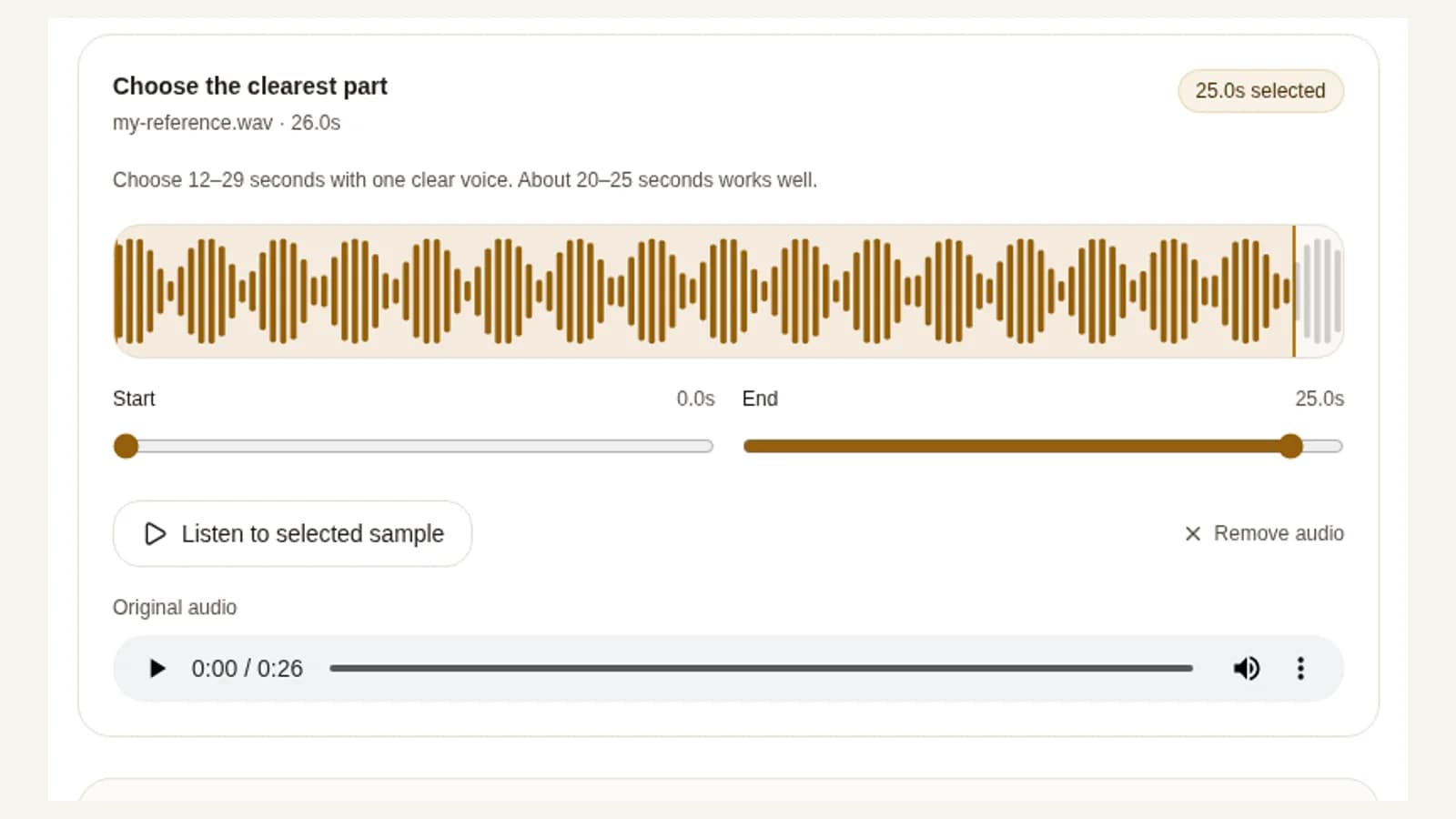
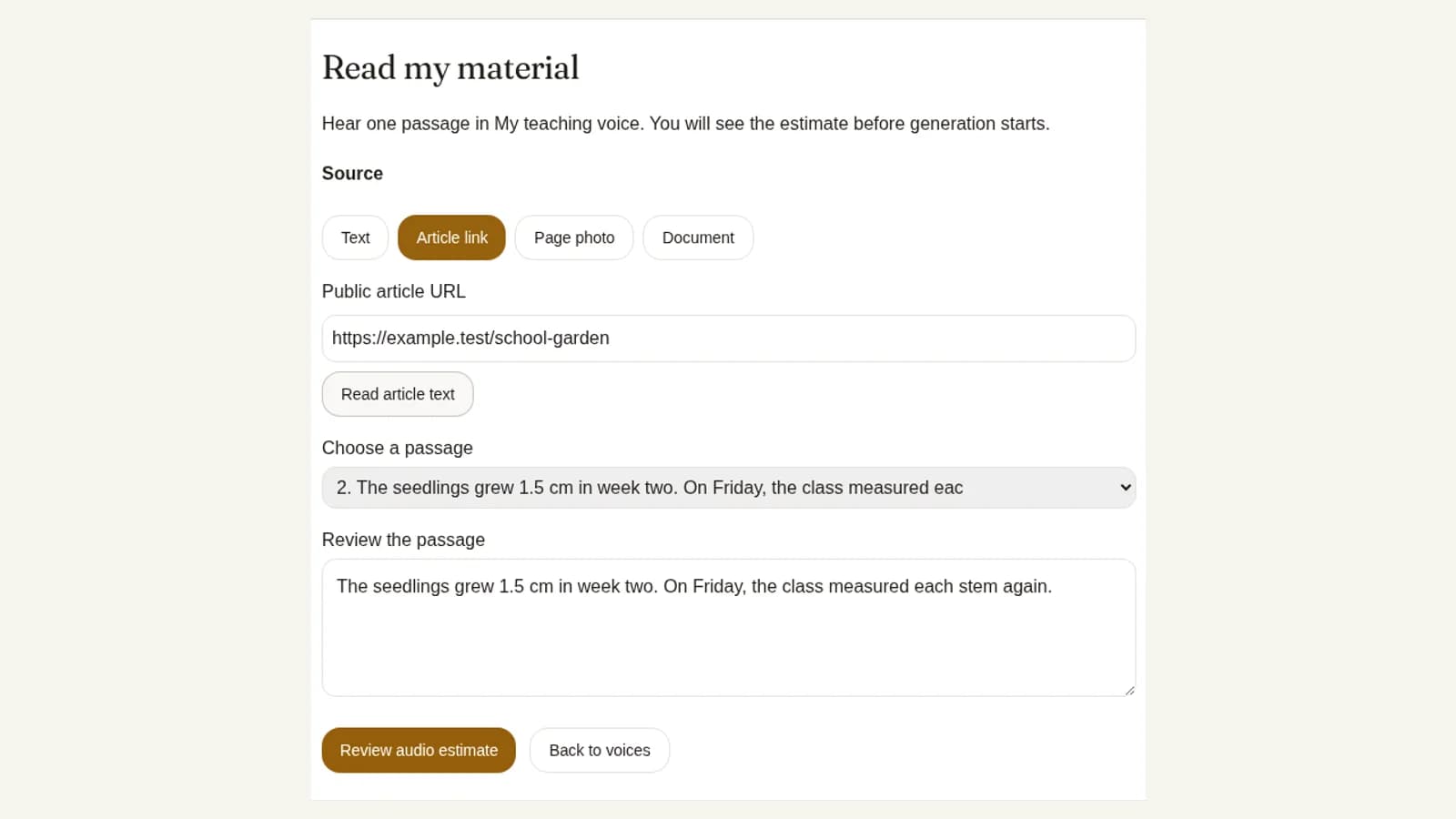
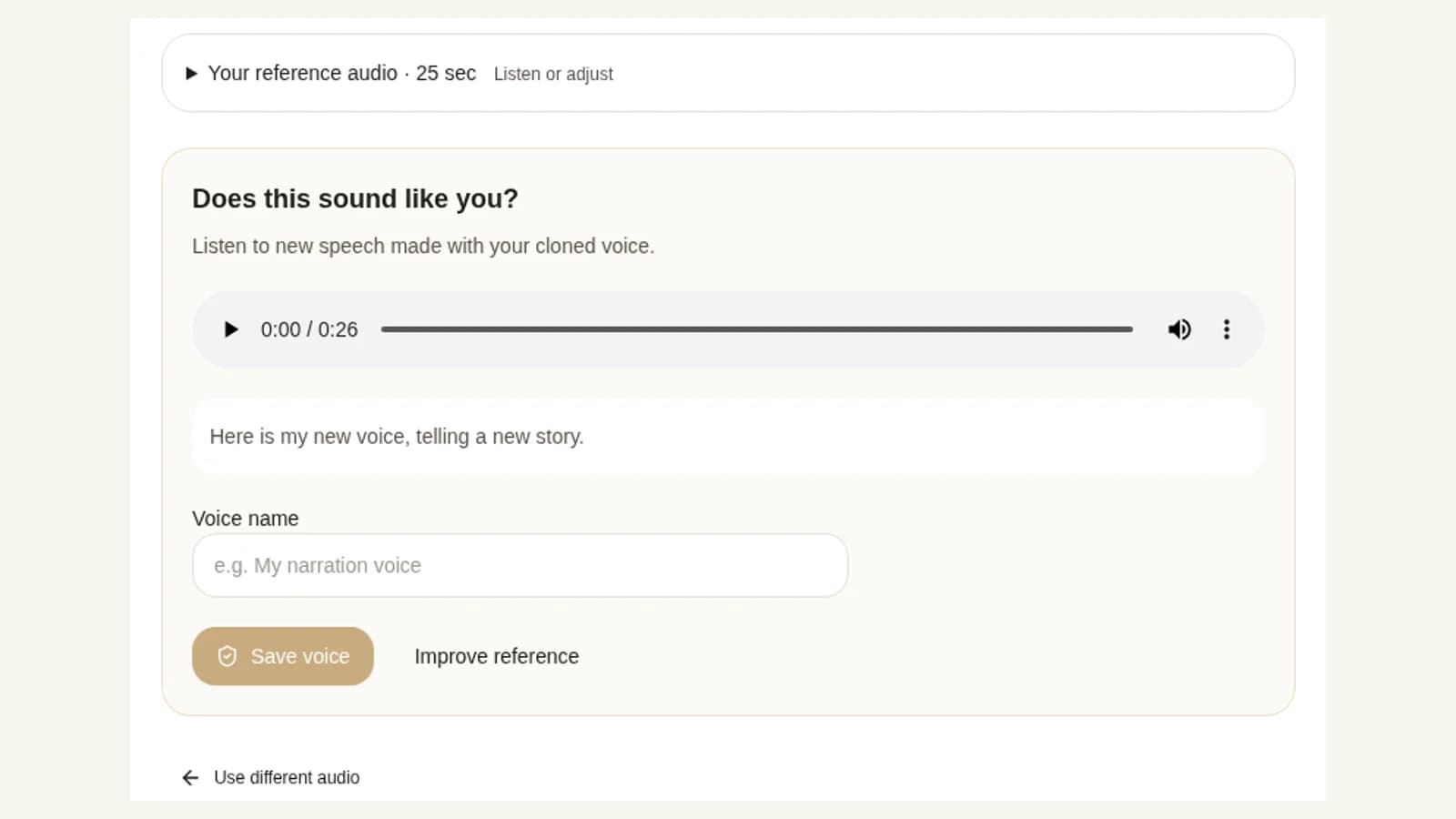
An author proofreading a draft may just want to catch repeated words during a walk. Open the paragraph in Voice Reader and start with a preset narrator. A teacher who wants a lesson to sound like their own explanations can try authorized Voice Cloning for one worked example.
For a book with chapter breaks, several speakers and revisions, start with the manuscript in Audiobook Creator. Decide who owns each voice and which files the publisher needs before producing the chapters.
- 01Immediate listening
Open the text with a preset Voice Reader narrator.
- 02Familiar speaker
Preview a passage in an authorized voice in Studio.
- 03Book production
Set up chapter review and delivery in Audiobook Creator.
Listen for the same three details
Pick a paragraph with a person’s name, a number, and a question. In “Mara checked box fourteen. Was that the last one?” listen for the name, for fourteen versus forty, and for the lift on “last one.” Use the same text and listening volume. Write down which words you could understand on the first pass.
Match the permission to the audience
A private draft, a lesson shared with students, and an audiobook for sale have different audiences. Check the permitted uses with the speaker and the rights holder of the text. Formal Studio downloads require a Pro entitlement. The speaker’s permission determines the uses covered by that voice.
Check the current plan allowances before committing to a whole chapter. If you decide to use your own voice, record a clean reference and try that same paragraph.
How this guide was researched
Evidence checked Nov 25, 2026. Product features can change; dated observations describe the version examined.
Published by iReadAll. AI tools assist research and editing; the team is responsible for verification. Read our editorial policy.
Sources & references
- Voice Cloning recording and permission requirementsiReadAll · Checked 2026-11-25
- Voice Reader workflowiReadAll · Checked 2026-11-25
- Audiobook Creator chapter and delivery workflowiReadAll · Checked 2026-11-25
- Plans and audio creation allowancesiReadAll · Checked 2026-11-25
Cite this guide
iReadAll Product & Editorial Team. “Voice Cloning or Preset Narration for Authors and Educators?.” iReadAll, Nov 25, 2026. https://ireadall.ai/blog/voice-cloning-or-preset-narration