On this page
Bring in one passage
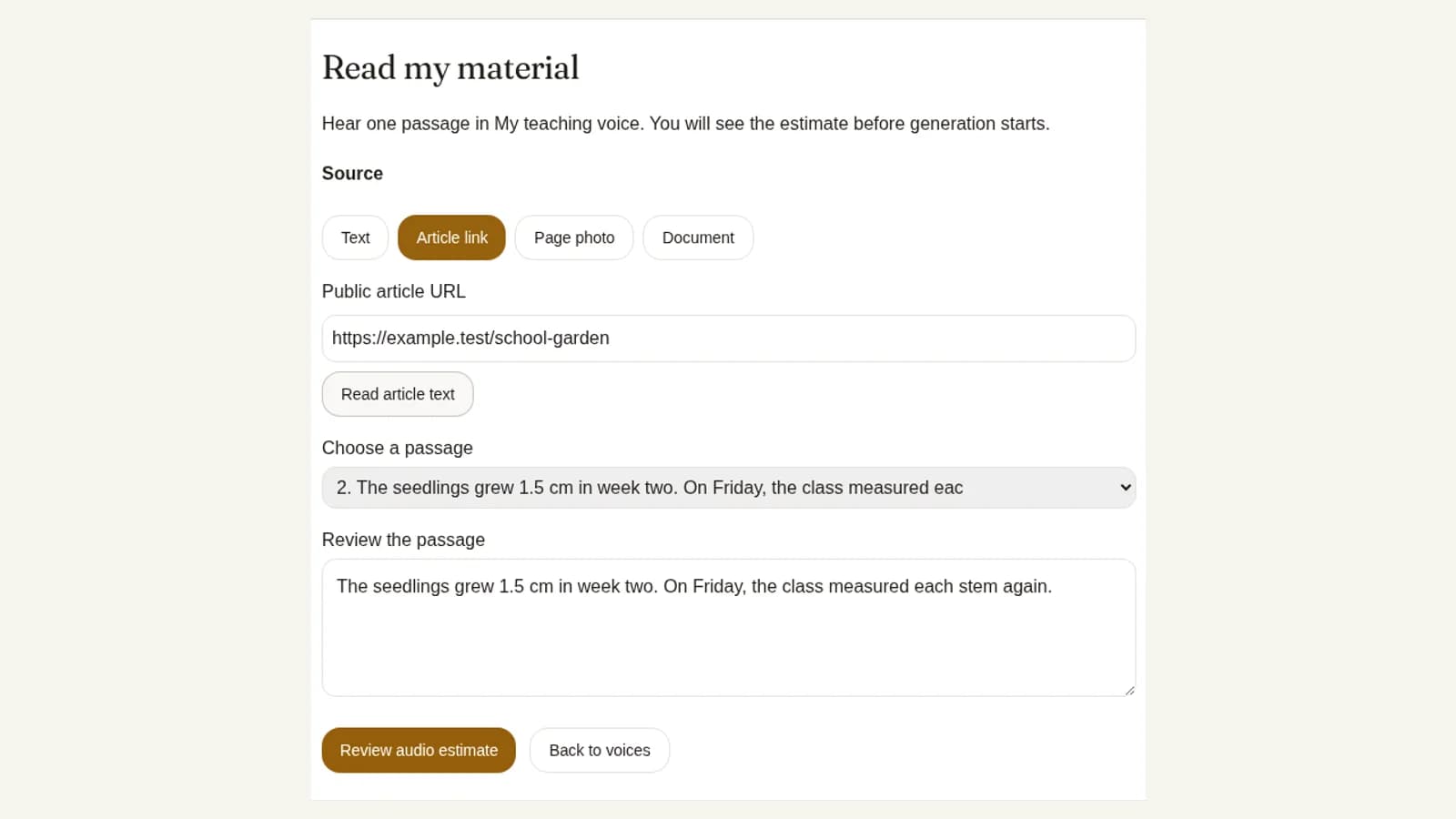
Sign in to iReadAll Voice Cloning and choose a voice you may use. Open the reading action for that voice, or start a narration project in Studio. Paste text, enter the article link, or choose a JPG, PNG or WebP photo. For a printed page, keep all four corners in view and leave out the facing page.
If the article needs an account, open it yourself and paste the paragraph you are allowed to use. Compare the first and last words with the source. A navigation menu, advertisement or photograph caption can slip into the extracted text.
Check what the listener will hear
Suppose your class handout reads “The seedlings grew 1.5 cm in week two.” A missing decimal changes the lesson. Compare the number with the original page, and write “one point five centimeters” if you want that pronunciation. In a two-column handout, read the end of the first column into the beginning of the second before accepting the order.
1.5 cm in week two
One point five centimeters in week two
Listen once before choosing more
Generate the checked paragraph and listen for the decimal, the unit and the pause at the sentence boundary. Check the estimate before you confirm. Approve the take you want to keep. When the private Library action is available, save the passage and reopen it in Audio Library for another listen. Saving and replaying the same audio use no additional production minutes.
For a long manuscript, Audiobook Creator organizes chapters and delivery files. If you simply want to hear the article now, Voice Reader offers preset narrators.
How this guide was researched
Evidence checked Nov 25, 2026. Product features can change; dated observations describe the version examined.
Published by iReadAll. AI tools assist research and editing; the team is responsible for verification. Read our editorial policy.
Sources & references
- Voice Cloning recording and permission requirementsiReadAll · Checked 2026-11-25
- Voice Reader workflowiReadAll · Checked 2026-11-25
- Plans and audio creation allowancesiReadAll · Checked 2026-11-25
Cite this guide
iReadAll Product & Editorial Team. “How to Read an Article or Page Photo in Your Own Voice.” iReadAll, Nov 25, 2026. https://ireadall.ai/blog/read-an-article-in-your-own-voice