On this page
Make a short recording you can repeat
Use a quiet room with a rug or curtains. Place the microphone slightly to the side of your mouth and keep it still. Speak at the pace you use when reading to someone beside you. A steady level makes it easier to hear consonants and natural pauses.
Try this original passage, or use the words shown by Studio when it requests a consent phrase. “The library opens on Friday morning. I left my notebook by the blue window. Can you see the date on the first page? Take a moment to look, and then we can begin reading together.”
Choose the excerpt by ear
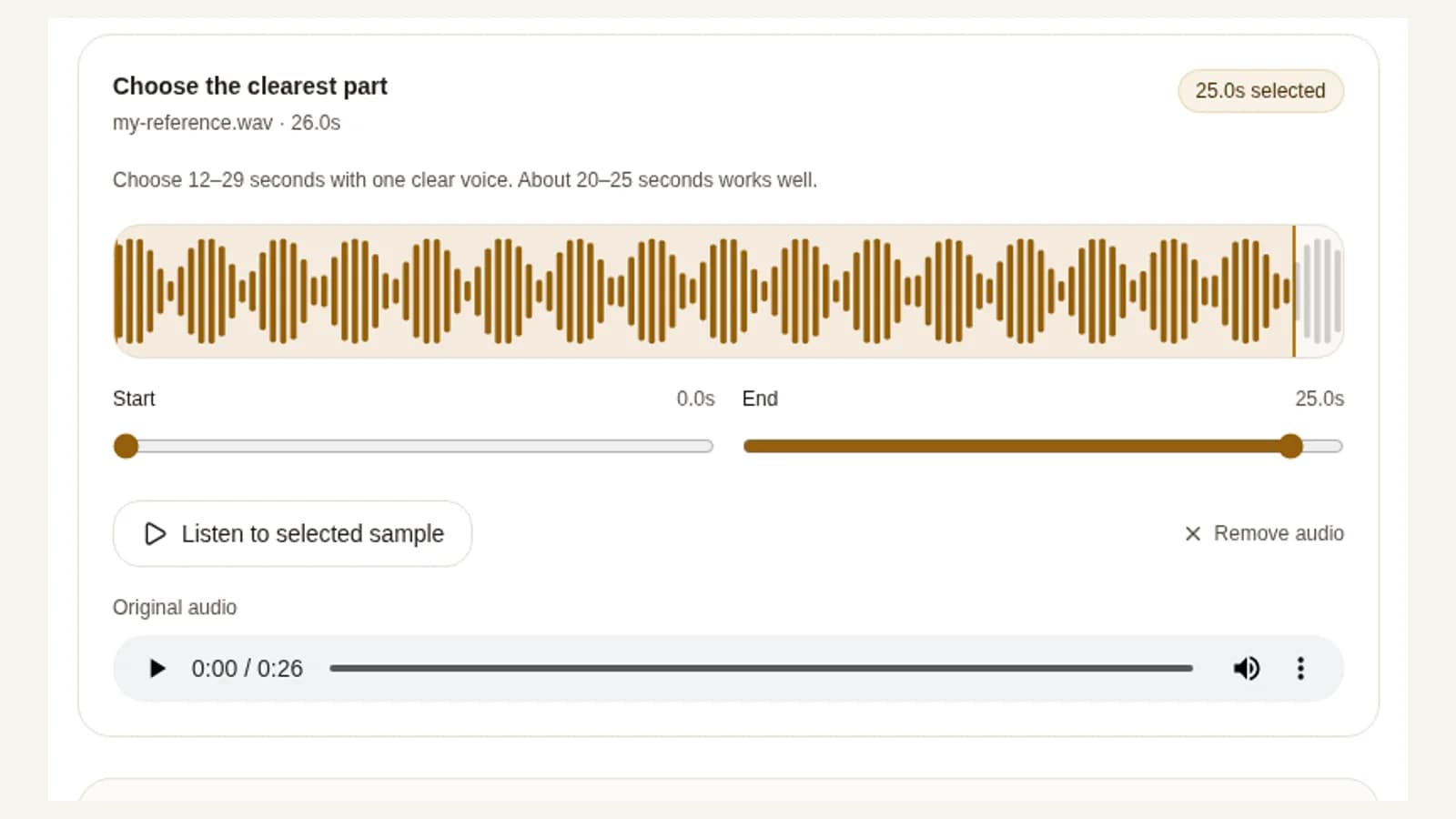
In Studio’s upload-or-record flow, aim for 20–25 seconds. Select 12–29 seconds that sound like the same speaker in the same room. Listen for a cut-off opening syllable, a clipped final consonant or another person speaking behind you. Move the trim handles or record again if you hear one.
- 01Opening
Can you hear the whole first word?
- 02Middle
Is there just one speaker at a steady level?
- 03Ending
Does the last word finish before the trim point?
Check the voice with unfamiliar words
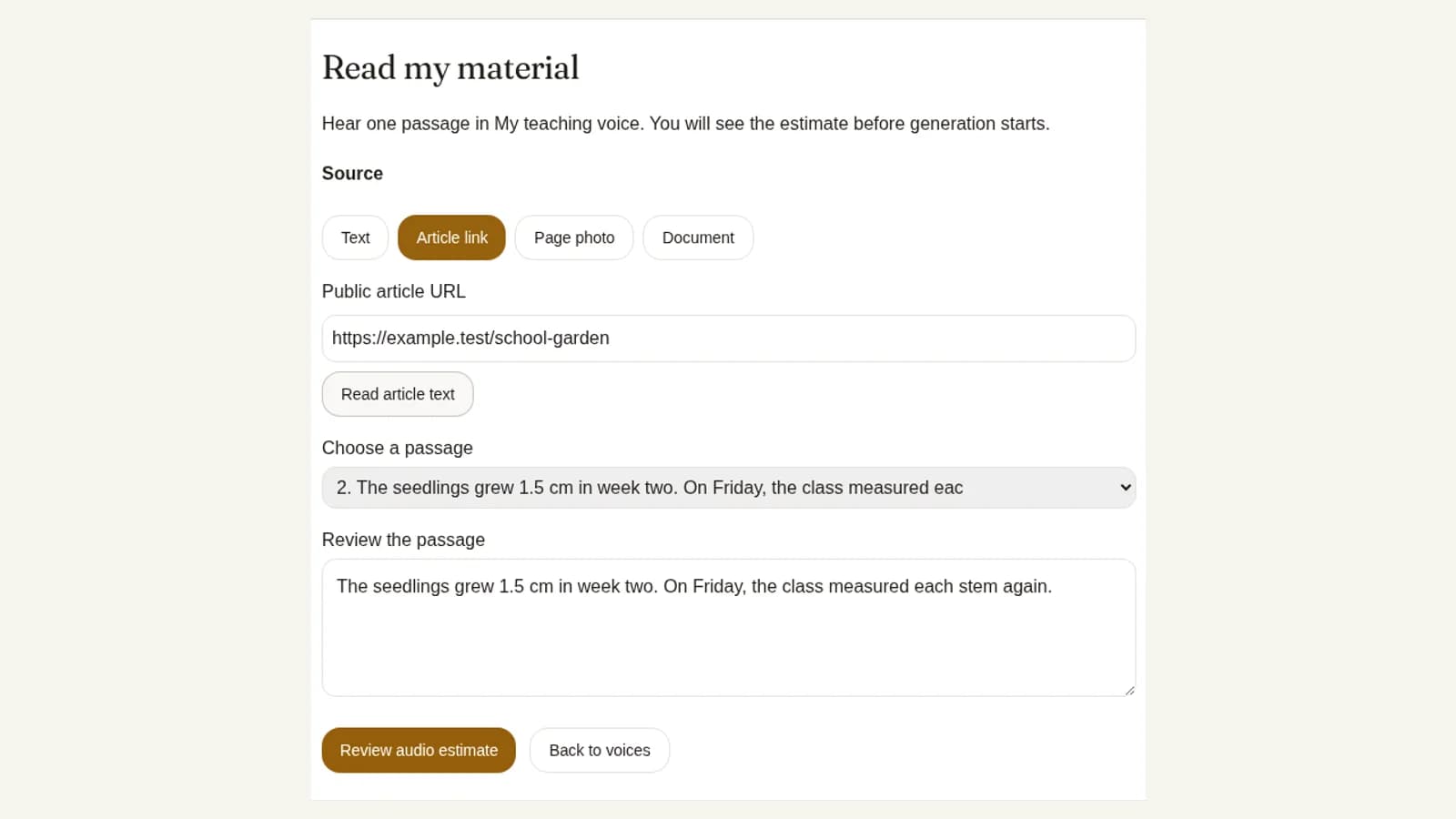
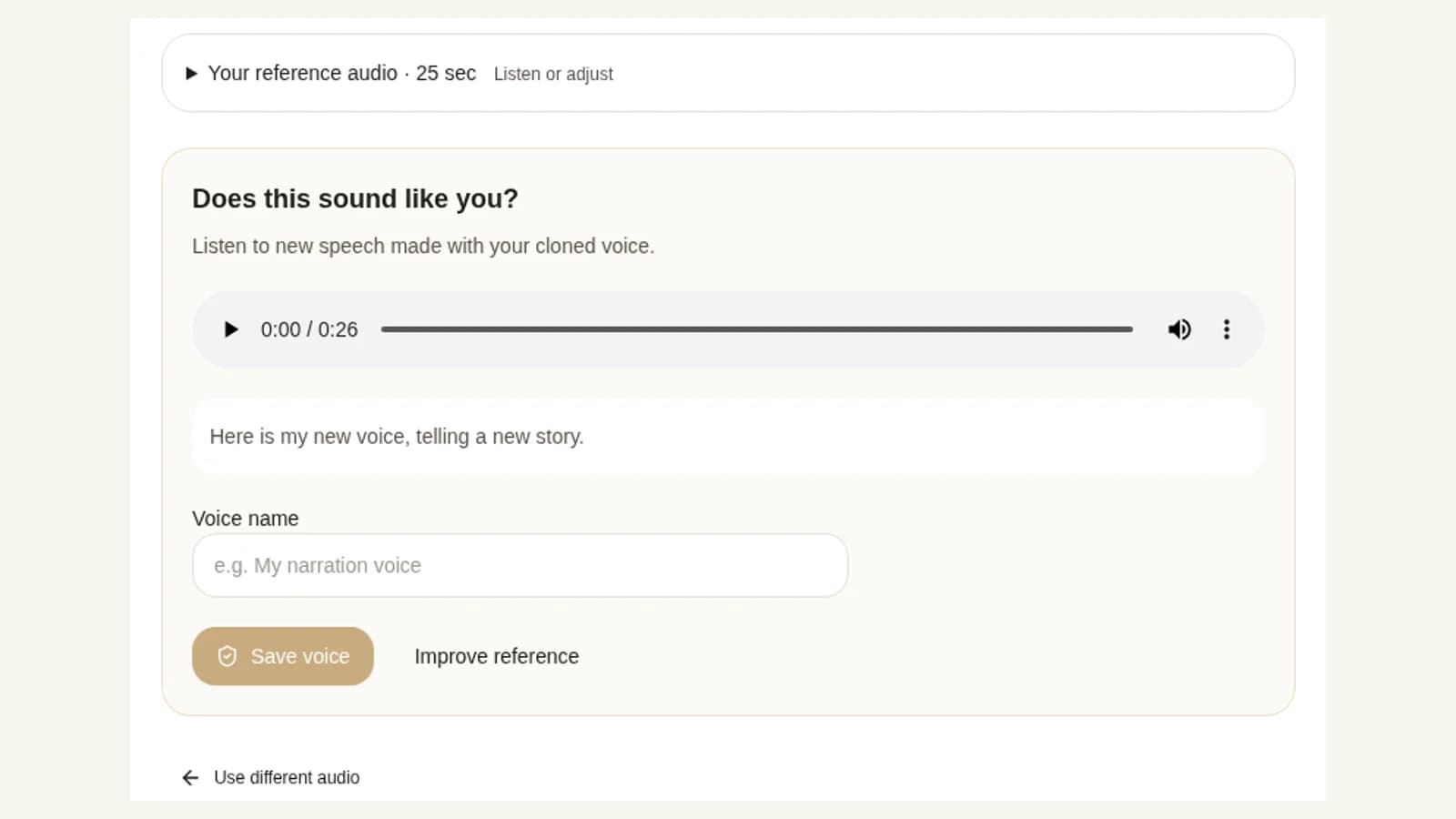
Use audio you have permission to supply and choose the speaker’s permitted uses. Play the preview, then try a sentence from your own material. Listen for a familiar pause, a name and a question. If only the name sounds wrong, check its spelling in the script before recording a new reference.
Current file limits, enrollment languages, and permission controls are on the Voice Cloning product page. Once you save the voice, try one paragraph from an article.
How this guide was researched
Evidence checked Nov 25, 2026. Product features can change; dated observations describe the version examined.
Published by iReadAll. AI tools assist research and editing; the team is responsible for verification. Read our editorial policy.
Sources & references
- Voice Cloning recording and permission requirementsiReadAll · Checked 2026-11-25
- Plans and audio creation allowancesiReadAll · Checked 2026-11-25
- Security and data handlingiReadAll · Checked 2026-11-25
Cite this guide
iReadAll Product & Editorial Team. “How to Record a Clean Voice Sample at Home for AI Voice Cloning.” iReadAll, Nov 25, 2026. https://ireadall.ai/blog/record-a-clean-voice-cloning-sample